How to make online payments
This tutorial assumes you already have an active service with us or you just ordered a new one and need to learn how to make payments.
If you need a list of Payment methods we support, Please check out our Payment Methods Page
To make an online Payment, please follow the instructions below
- Log into your NivaCity clientzone on https://clientzone.nivacity.com
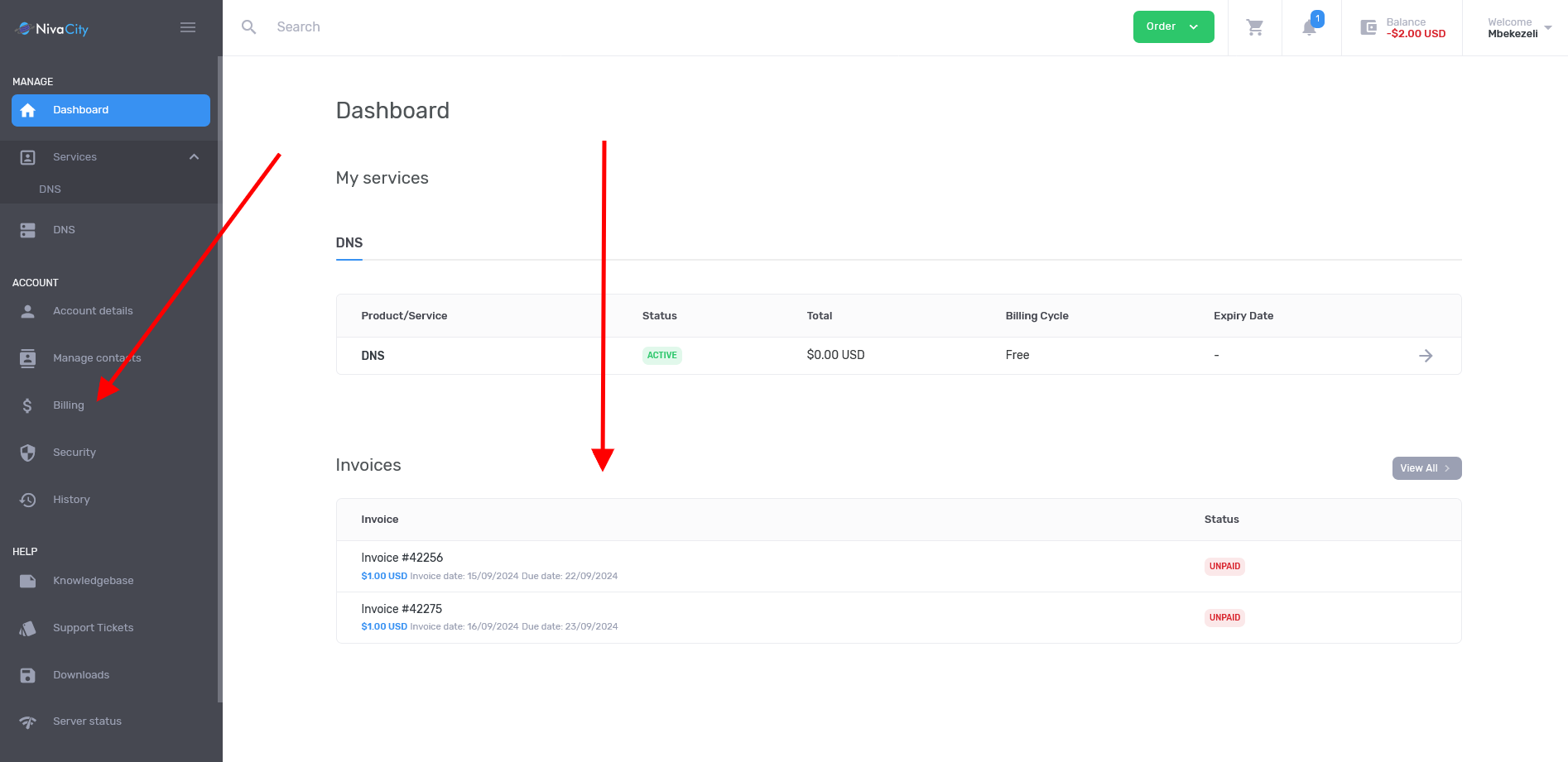
- Once logged in, navigate to Billing as per the image below
.
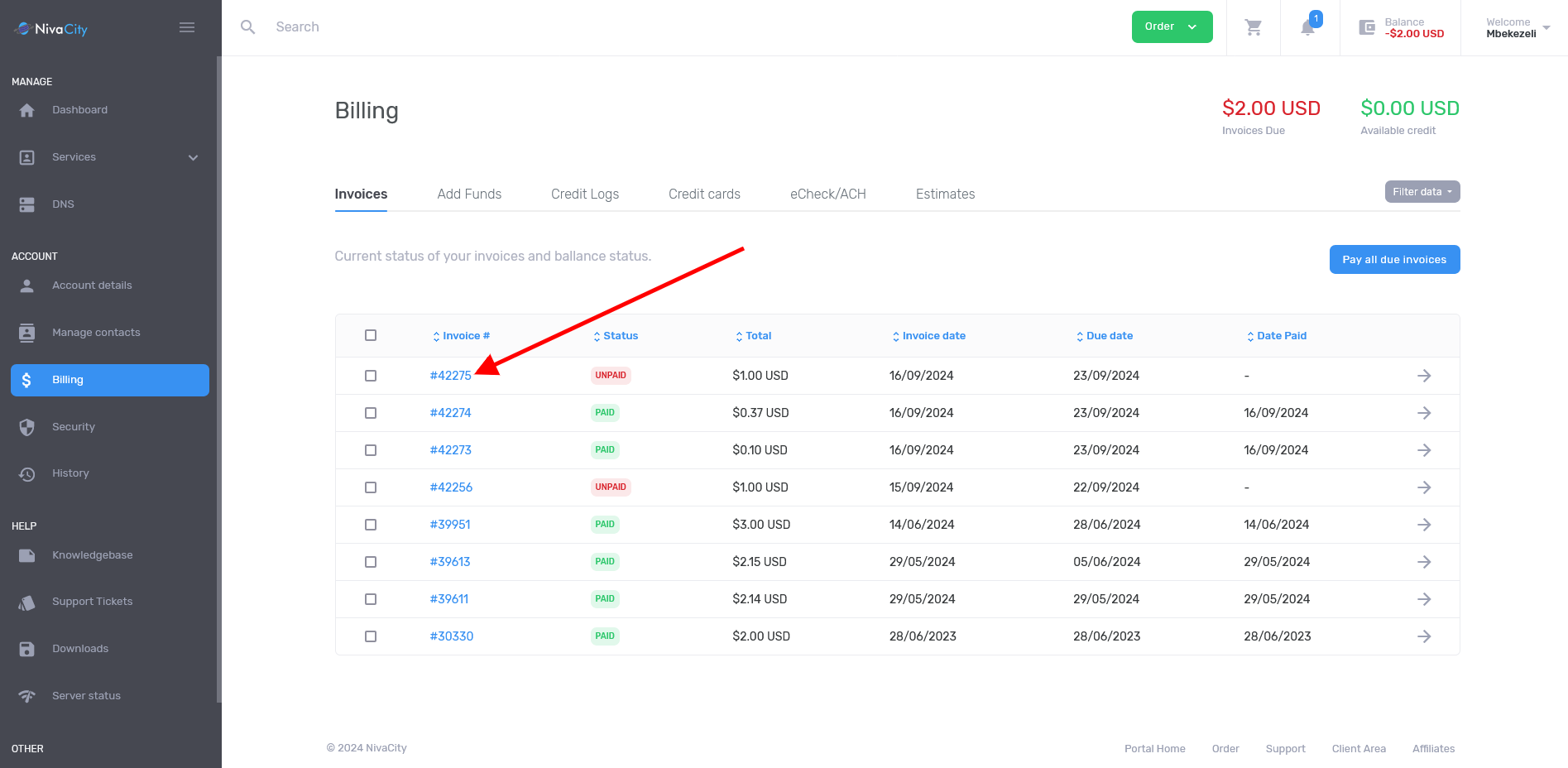
- On the Billing page you will be presented with all your invoices, past and present, click on the unpaid invoice that you want to pay for as per the image below
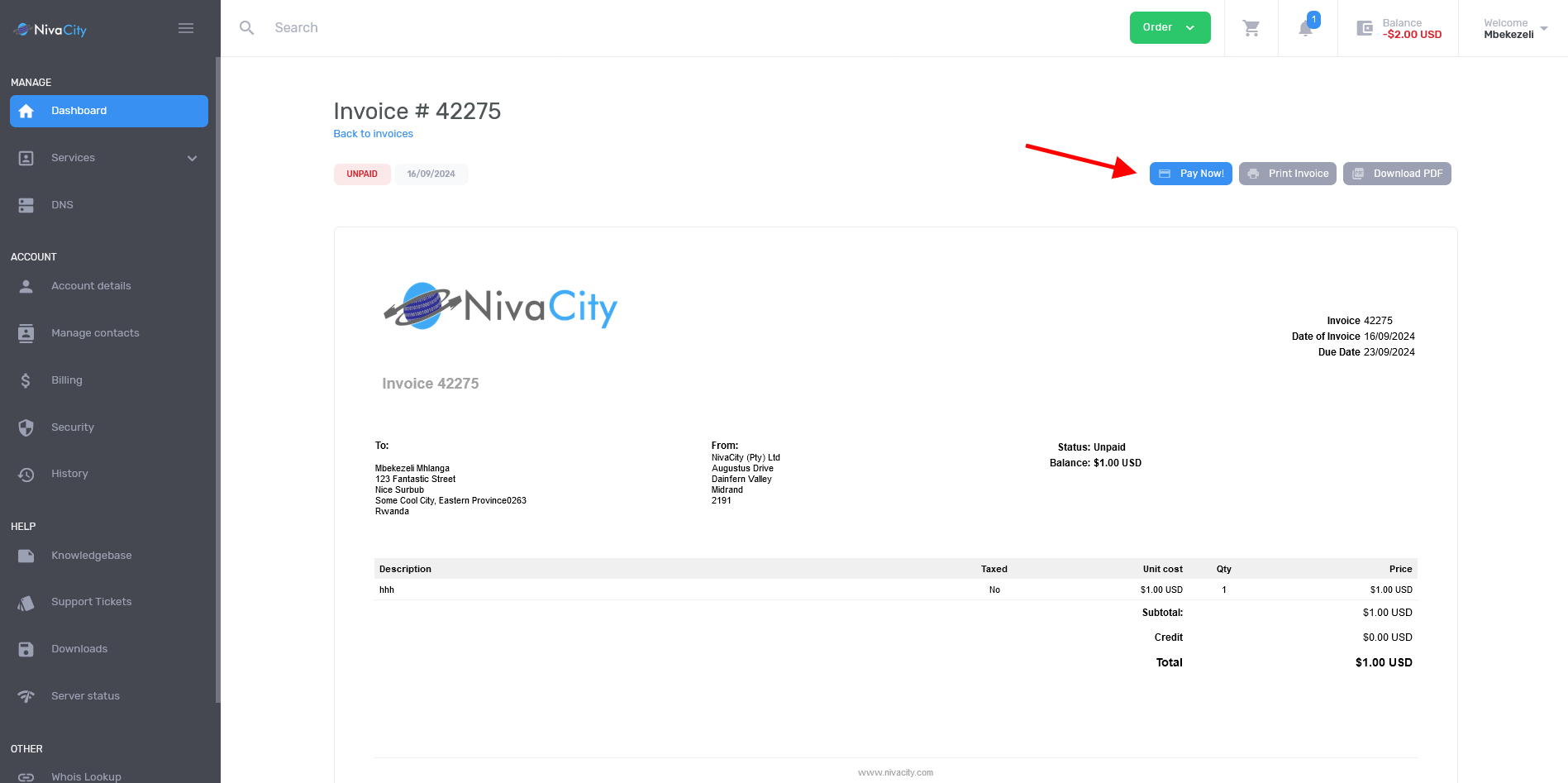
- On the invoice page they will be a Pay Now button, please click on that
- A POP UP screen will appear and you will be presented with multiple payment options to choose from as per the image below, select the payment method you want
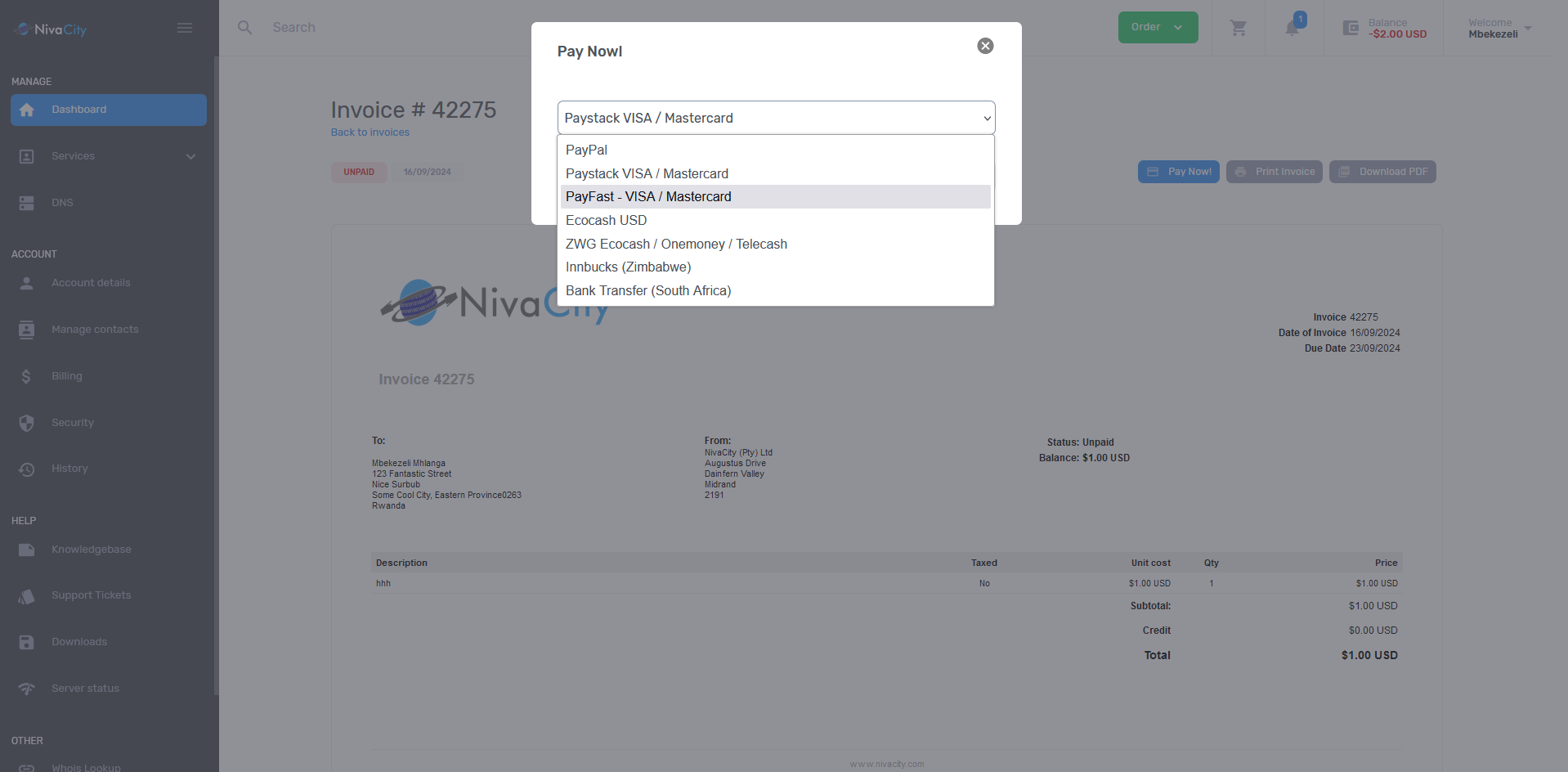
- Click on the Payment method you wish to use and then follow the prompts.
That’s it, you’re done, if you are having issues with these systems please contact Support.