Adding subdomains
A subdomain is an additional part to your main domain name. Subdomains are created to organize and navigate to different sections of your website.
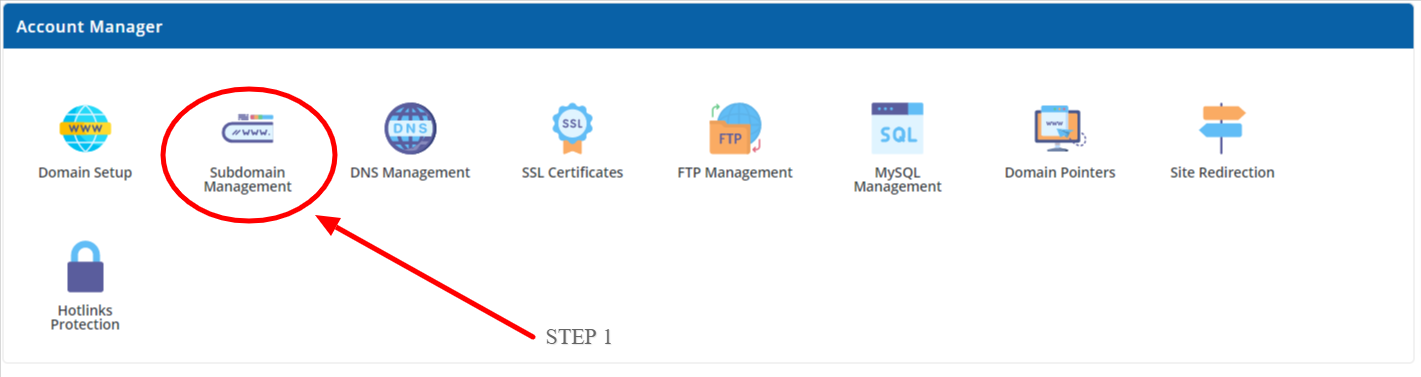
- Step 1 - Click on ‘Subdomain Management’ on your Dashboard under ‘Account Manager’.
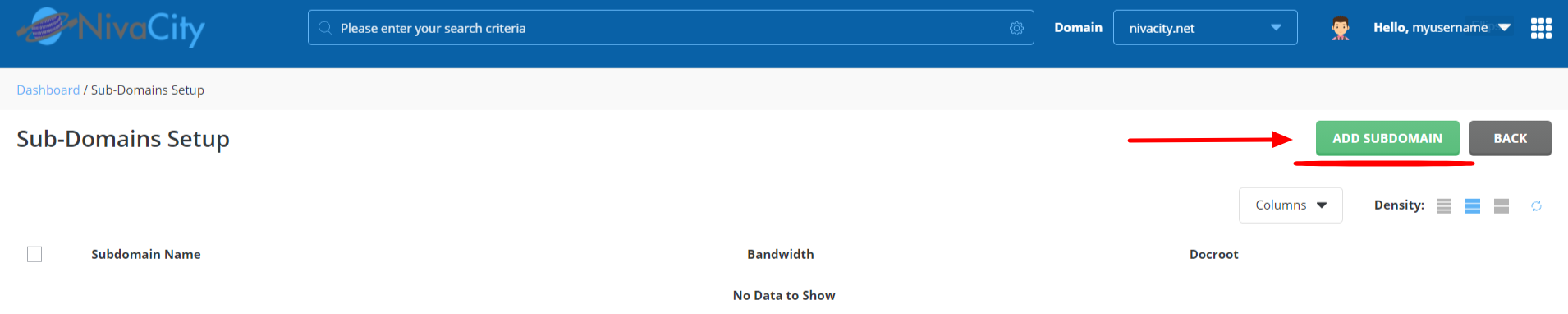
- Step 2 - Once you have proceeded into Subdomain Management, you will the click on ‘Add-subdomain’ then once you have added your subdomain, you can then Click on ’ add subdomain ’ to save.