How to create backups in DirectAdmin
The feeling that you get when you lose all your website or email data is unmatched. You might feel like your life has come to an end, the devastation of losing your valid information. Accidents are inevitable, it’s common to lose your data to whatever reason possible. That is why you need, Backups! Backups are crucial for data protection. Regular backups guarantees that your data (website/emails) can be completely restored after any problems or crushes. This article is to help you with a step by step process of creating backups on DirectAdmin
Step by step process of creating backups on DirectAdmin
Section titled “Step by step process of creating backups on DirectAdmin”Step 1
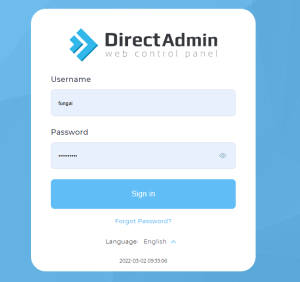
Section titled “Step 1”Login to your DirectAdmin account.
Step 2
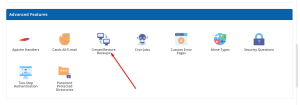
Section titled “Step 2”Go to Advanced Features >> Create/Restore Backups option
Step 3
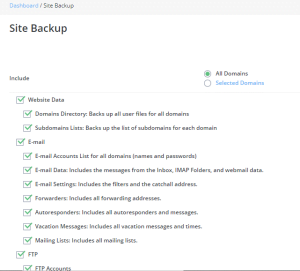
Section titled “Step 3”Select the items you want to include in the backup (eg email data, ftp)
Step 4
Section titled “Step 4”Click the create backup button.

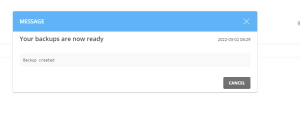
NB: You will receive a message when backup is complete on you DirectAdmin account as well as your email
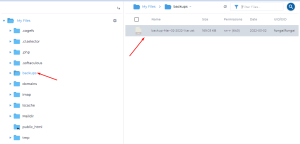
 Your backup will also be available in the backup archives. File Manager <Backups/directory of your domain.