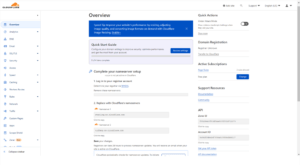
How to add a domain to Cloudflare
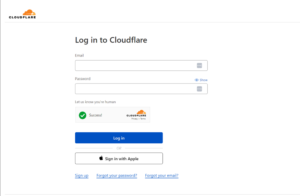
- Click the link below to log in to Cloudflare https://dash.cloudflare.com/login
- Enter your login credentials or create an account if you do not have an existing account
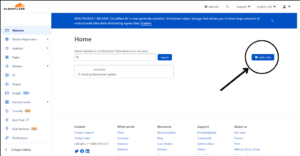
- Click on add site
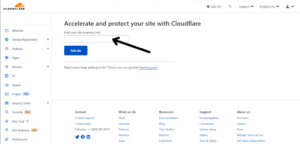
- Enter your site name and click add site.
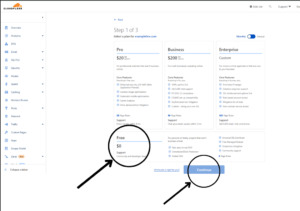
- Select are plan that you desire
- Update the nameservers given.